LifeOS
A local-first desktop app for tasks, study, projects, money, people and notes. There is no account and no cloud: the database lives on your own computer.
- Role
- Design, backend, desktop wrapper, Android app
- Platform
- macOS and Windows, with an Android companion
- Status
- Beta · v0.1.0-beta.1
Overview
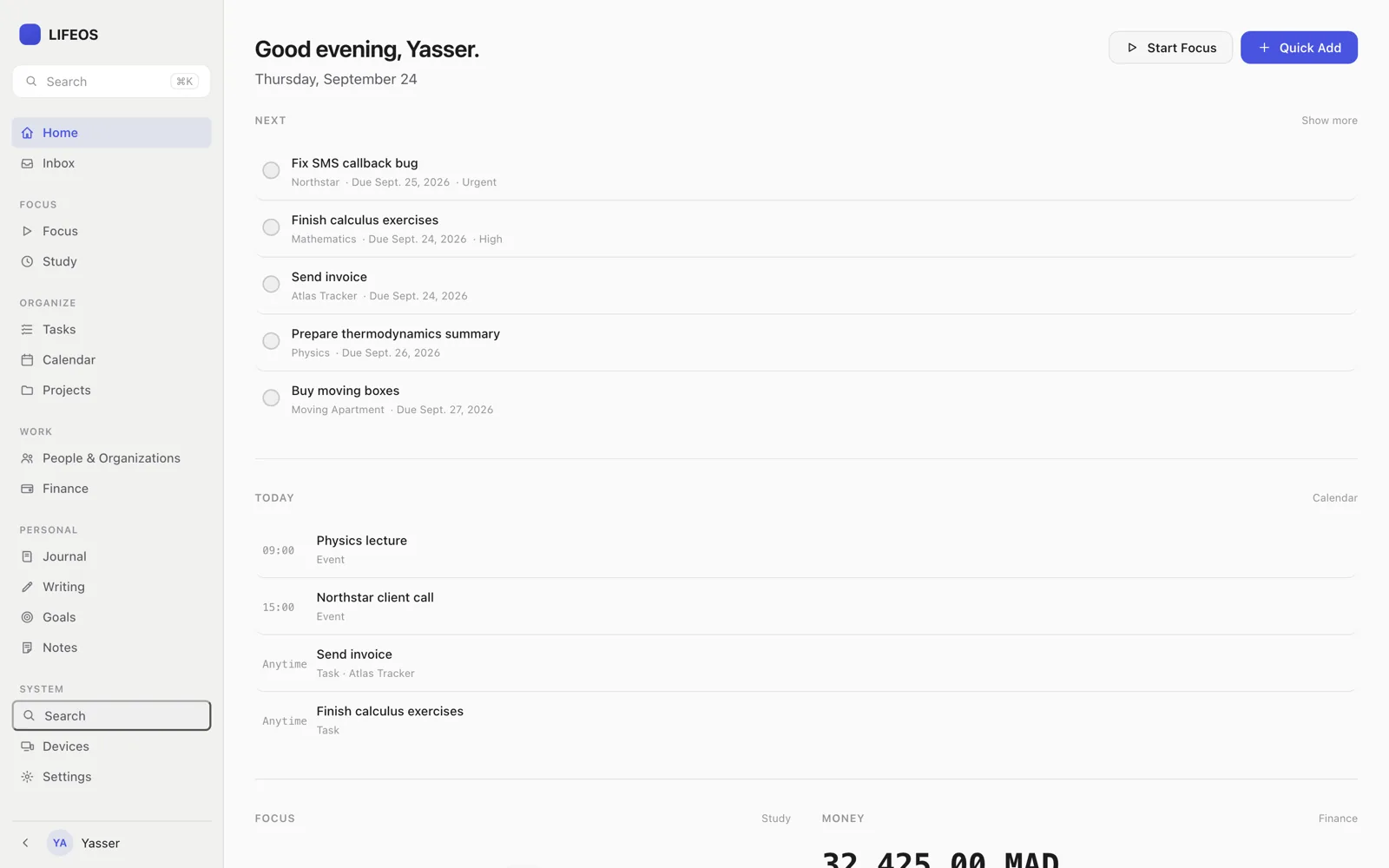
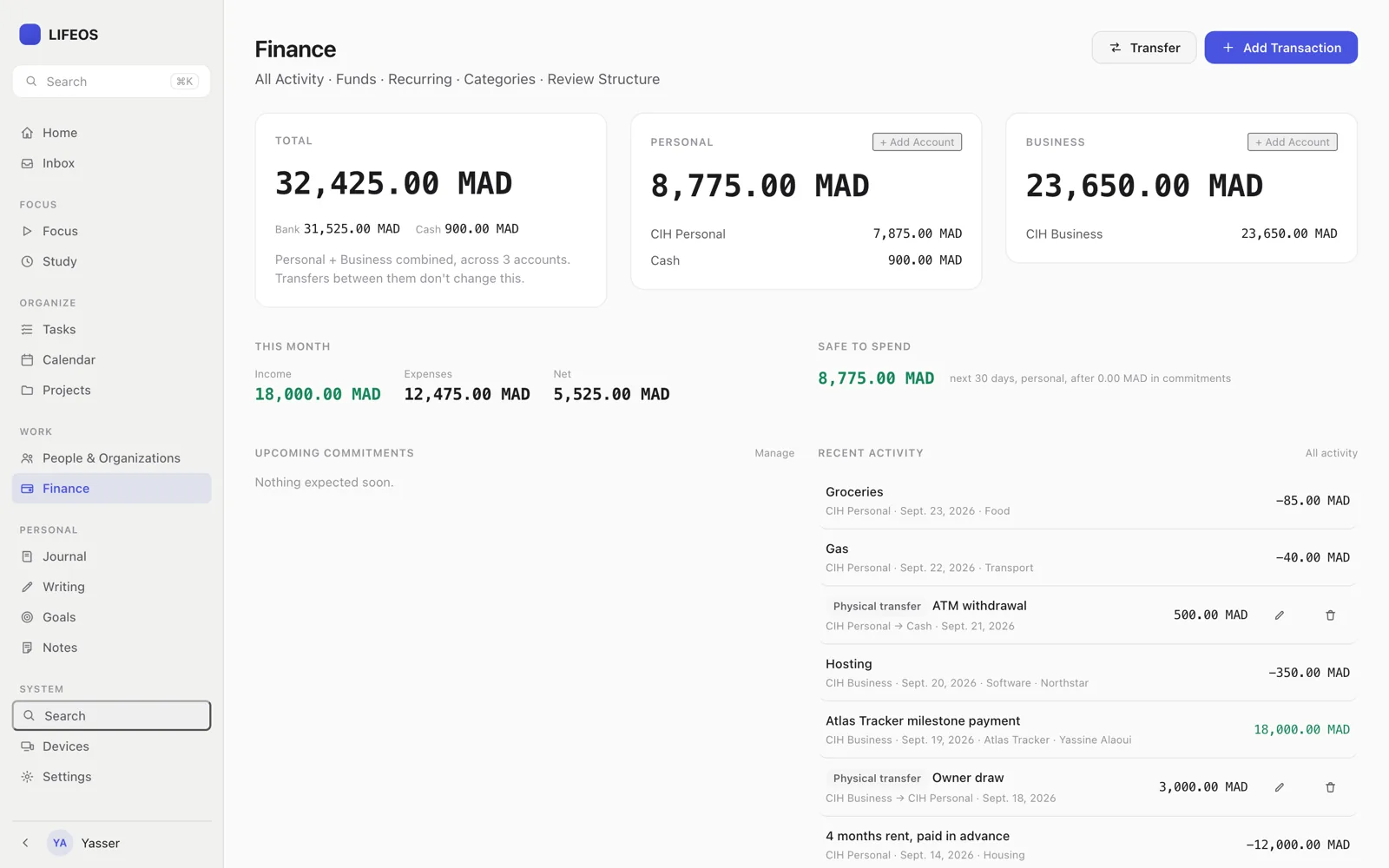
LifeOS brings together things that otherwise live across a dozen apps: tasks, a focus timer, projects, personal and business finance, people, notes, school, a journal, writing, a calendar and goals. You choose which areas you want during setup.
It ships as a normal desktop application for macOS and Windows. Each installation creates its own private database on first launch, and nothing is sent anywhere.
How it fits together
backend/Django, Django REST Framework and SQLite. Owns all business logic and serves both the desktop UI and a REST API.desktop/A small Swift/AppKit wrapper. Starts the backend, waits for its health check, and shows it in a native window through WKWebView.android/Kotlin and Jetpack Compose with its own Room database. Works offline and syncs over the local network when it can reach the Mac.
Screens
Engineering notes
The same logic behind two doors
Desktop views call domain services directly; the REST API calls the same services through DRF viewsets. Finance math and the study timer exist once on the server, not once per client.
Models built for sync
Every domain model inherits one base model: a UUID primary key, timestamps, an incrementing version used to detect sync conflicts, and soft deletion so a phone that was offline can still learn that something was removed.
Backups before migrations
Backups can be created and restored from the settings screen, and restoring takes a safety backup of the current state first. An update that changes the database structure backs up automatically before it runs.
Honest about its limits
The beta builds aren’t code-signed yet, desktop installs don’t sync with each other, and there is no auto-update. The README says so plainly instead of hiding it.
Stack
- Backend
- Python, Django, Django REST Framework, SQLite, Waitress, WhiteNoise
- Desktop
- Swift, AppKit, WKWebView; Windows installer built in CI
- Android
- Kotlin, Jetpack Compose, Room